Skip to main content
LunchFlow Documentation home page
Search...
⌘K
Homepage
Discord
Get Started
Get Started
Search...
Navigation
Coverage
🇳🇿 New Zealand
Documentation
API Reference
Get Started
Welcome
Quickstart
Coverage
Bank Coverage
🇬🇧🇪🇺 UK & EU
🇺🇸🇨🇦 US & Canada
🌏 Pacific Asia
🇳🇿 New Zealand
🇧🇷 Brazil
Additional Coverage
Destinations
Overview
Lunch Money
Actual Budget
Sure
Firefly III
Google Sheets
Model Context Protocol (MCP)
API
CSV / OFX Files
Troubleshooting
Missing Transactions
Renewing Connections
Billing
Pricing
Refund Policy
Security
Security & Privacy
On this page
What is Akahu?
How to Connect
Next Steps
Coverage
🇳🇿 New Zealand
Connect all major New Zealand banks with Akahu
What is Akahu?
Akahu is New Zealand’s leading open banking provider, offering secure access to your bank data through official banking APIs.
How to Connect
1
Go to
the connections page
2
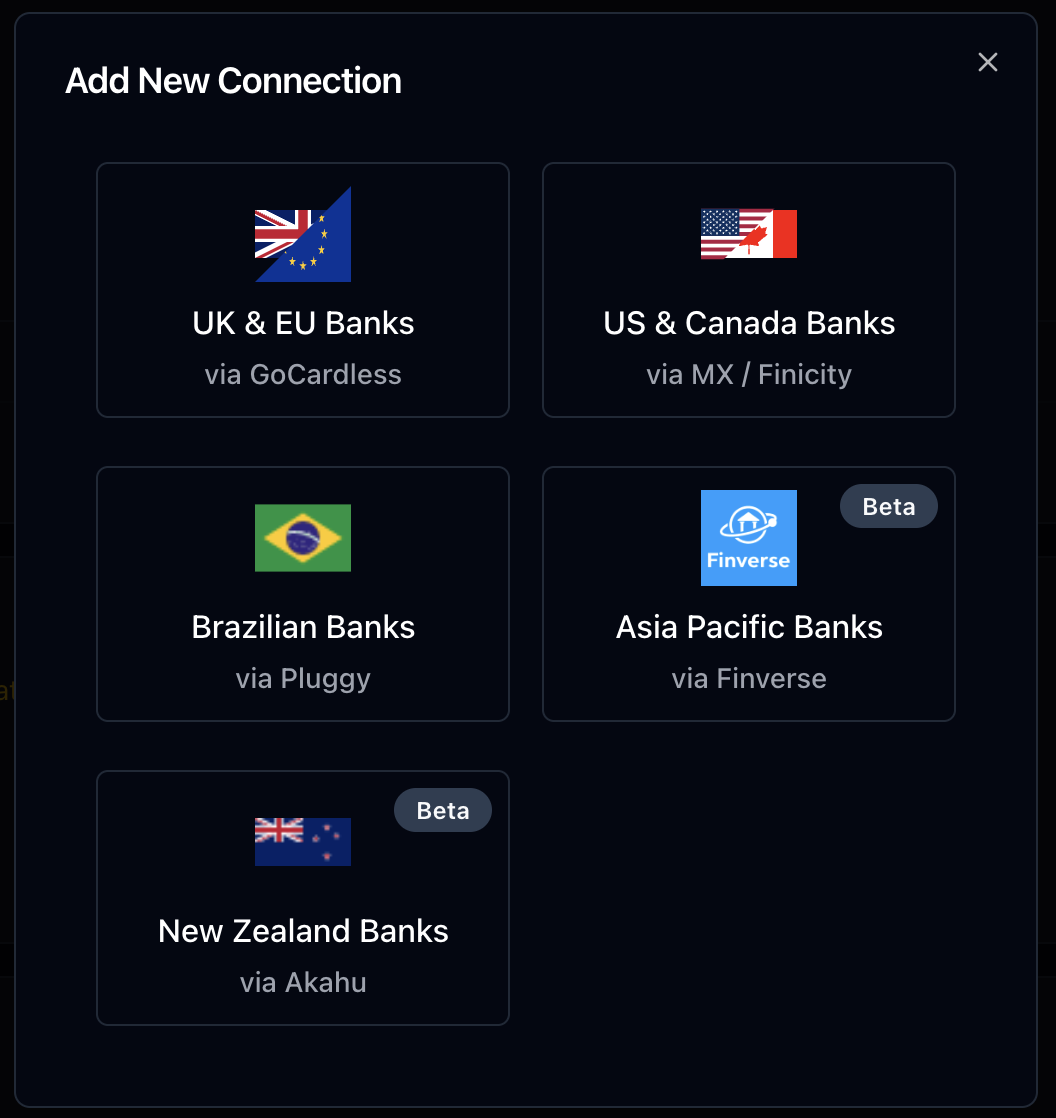
Click ”+ New Connection”
3
Select “New Zealand banks”
4
Log in to your Akahu account
5
Connect your banks to Akahu
6
Select which accounts to sync to Lunch Flow
7
You’ll be redirected back to Lunch Flow and your connection will be created. You can now configure your destination or connect more accounts.
Next Steps
Choose a destination
Send data to Google Sheets, CSV, and more
Was this page helpful?
Yes
No
🌏 Pacific Asia
🇧🇷 Brazil